Mobile App Privacy Policy PDF: 10 Templates and Tools
Compare 10 mobile app privacy policy PDF templates and generators, plus export steps, App Store and Google Play compliance tips, and hosting options.

Your build passes, the screenshots are finished, and you're ready to submit. Then the console asks for a privacy policy URL. It's late, your app has analytics and a crash reporter, and the template you've downloaded says nothing useful about either.
A mobile app privacy policy PDF can give you an editable starting point or a durable copy of your disclosures. It doesn't automatically give you a public policy page, accurate store answers, or language that reflects what your dependencies send off the device. Those are separate jobs.
The tools below handle different parts of that work. Some provide downloadable templates, some generate and host policies, and one combines policy preparation with store-submission support. PDF export, public hosting, and SDK accuracy aren't interchangeable features, so each option needs a different final check.
For sensitive apps, especially those handling health information, start with the underlying data practices rather than the document layout. Resources on privacy compliance for digital health can help frame that broader work.
Submission rule: Use the PDF as a downloadable companion to a readable public policy page, not as a substitute for checking the app.
Your Apple privacy labels and Google Play Data Safety answers should describe the same practices as the policy. They won't necessarily use identical wording, because the stores ask different questions and define their categories differently.
Table of Contents
- 1. App Store Submission Service
- 2. iubenda
- 3. TermsFeed
- 4. Termly
- 5. WebsitePolicies
- 6. PrivacyPolicies.com
- 7. TermsBox
- 8. FreePrivacyPolicy
- 9. eForms
- 10. NC Department of Information Technology Mobile-Application Privacy-Policy Template
- How each policy PDF option handles export, hosting, and best-fit use
- Turning a Policy PDF Into a Store-Ready Disclosure
<a id="1-app-store-submission-service"></a>
1. App Store Submission Service
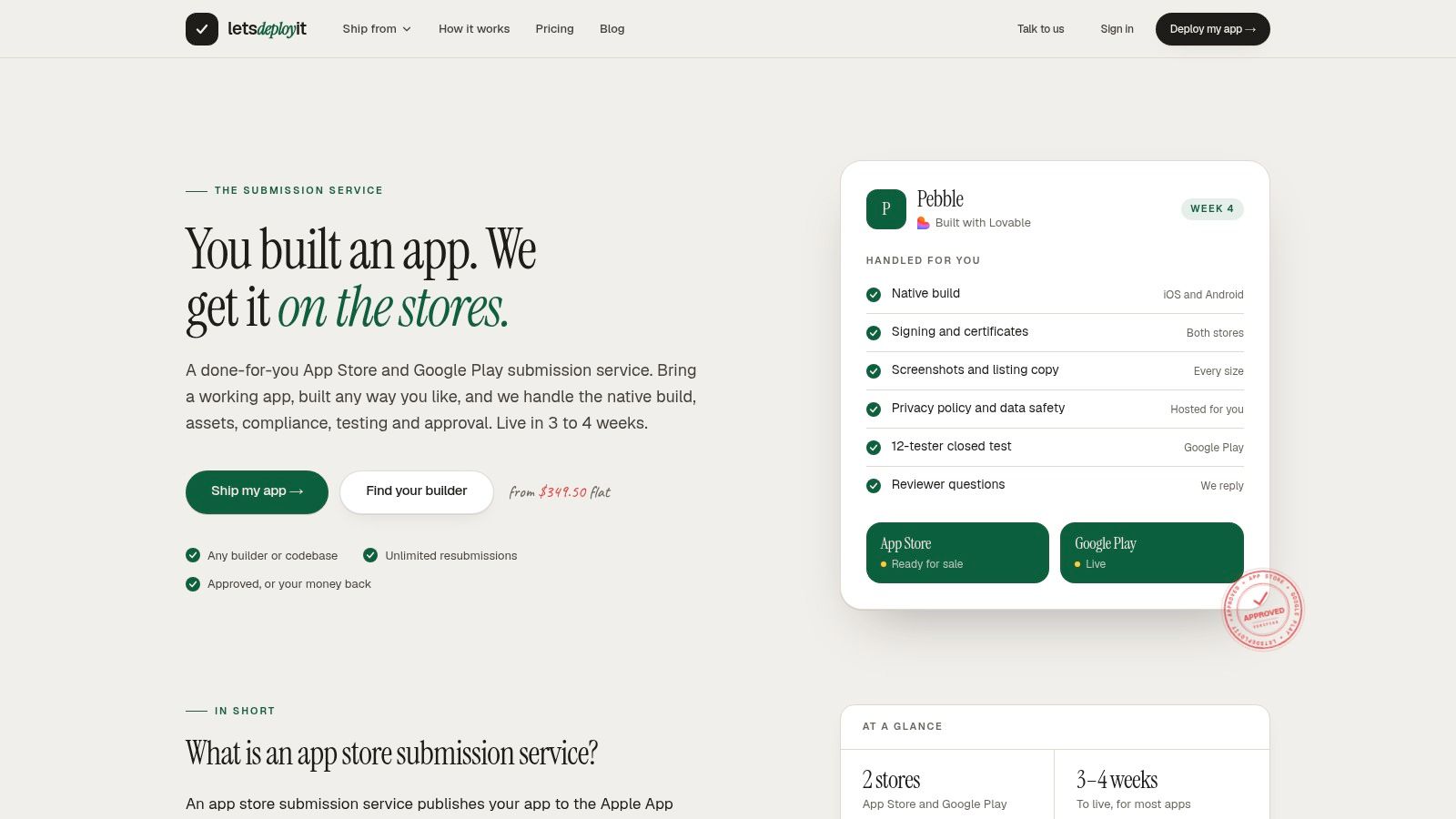
A generator helps you draft text. LetsDeployIt's App Store Submission Service handles the connected submission work, including preparing and hosting a privacy policy, completing Apple privacy labels, and filling out Google Play's Data Safety form.
We support React Native and Expo launches, with AI-assisted drafting and human sign-off. The broader launch service includes reviewer correspondence and unlimited resubmissions for the first production release, rather than leaving you with a document and an unfinished console.
<a id="what-you-get-and-what-remains-yours"></a>
What you get and what remains yours
Our privacy deliverables include hosted policy and terms, the store disclosures, and an account deletion flow. You still need to provide accurate information about your app's SDKs, backend services, collection purposes, and operational practices. Human review can catch inconsistencies in supplied materials, but it can't replace access to critical technical information.
- PDF capability: A hosted privacy policy is included. A dedicated PDF export format isn't specified, so don't choose this service solely for a download button.
- Public URL: Policy hosting is included, addressing the submission field directly.
- SDK alignment: The policy and store answers are prepared together, with human review to help identify conflicting disclosures.
Apple makes third-party partner practices part of a developer's disclosure responsibility in its App Privacy Details guidance. That's why a statement about analytics must reflect the configured SDK, not just the app developer's intentions.
The trade-off is scope. This is launch support rather than a standalone template purchase. Developer account fees and ongoing infrastructure costs aren't included, Flutter support is still in development, and post-launch updates fall outside the initial release work.
You own the produced policy documents. Your listings remain in your developer accounts, and your code and accounts remain yours.
<a id="2-iubenda"></a>
2. iubenda
Choose iubenda for policy maintenance rather than a PDF-first workflow. Its guided generator supports customizable clauses, app-focused disclosures, multiple languages, and hosted or embeddable policies.
That combination suits an app whose services change over time. Device identifiers, push notifications, geolocation, and third-party integrations need more attention than a generic website paragraph about cookies. Hosted policies and automatic updates on applicable plans can help with maintenance, but they don't detect every change your developers make.
<a id="where-the-hosted-approach-helps"></a>
Where the hosted approach helps
The practical advantage is maintaining a public document without repeatedly uploading replacement files. A free plan is available to get started, although you should review which customization and maintenance features your selected plan includes.
- PDF capability: Treat PDF creation as a separate workflow unless your selected product explicitly provides it. Check the printed result for clipped text and missing sections.
- Public URL: Hosted and embedded policy options are central to the product.
- SDK alignment: Select clauses against your actual integrations, then inspect the resulting descriptions for accuracy.
Say your app sends chat prompts to an external AI provider. Adding an AI-related clause doesn't establish that the user sees an appropriate explanation before transmission. The guide to third-party AI consent addresses that separate implementation concern.
The limitation is complexity. iubenda may provide more ongoing policy machinery than you need for a simple document. Its generated text also isn't a substitute for legal advice or a technical review of what your release build collects.
<a id="3-termsfeed"></a>
3. TermsFeed
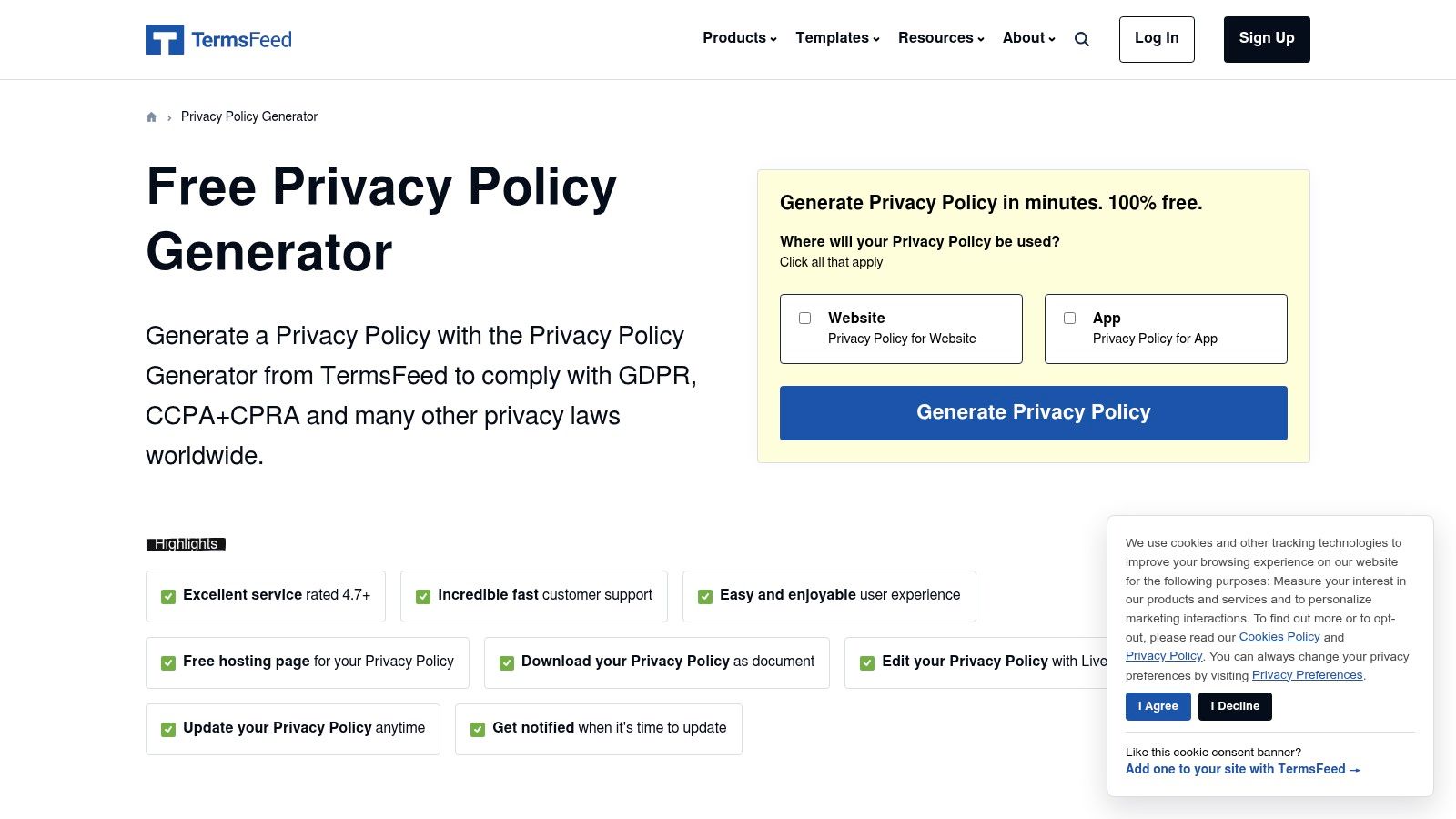
The useful distinction with TermsFeed is generation plus a public hosting link. It offers mobile-app questions, free policy generation, downloadable agreements, and a workflow that doesn't require an account.
That's convenient for an independent publisher who doesn't want to build a legal-document publishing system. You can draft a policy and obtain a public address without treating your marketing website as a prerequisite.
Check the download screen before assuming you'll receive a PDF. A downloadable agreement and a native PDF export aren't necessarily the same feature. If you convert the document yourself, preserve selectable text, headings, and working links.
A hosted policy solves access. It doesn't prove that your answers about collection and sharing were correct.
Apple's requirement covers both store metadata and access inside the app, as described in MacRumors' coverage of the privacy-policy requirement. Put the finished policy somewhere users can find it from Settings or a clearly labeled legal screen, not only in the submission console.
For SDK accuracy, review TermsFeed's output alongside your dependency list. A crash reporter may receive diagnostic information even when your app has no registration screen.
Best fit: A publisher who wants a straightforward generated draft and hosted address. Main limitation: The questionnaire only works as well as your answers, and the generated agreement doesn't independently establish legal compliance.
<a id="4-termly"></a>
4. Termly
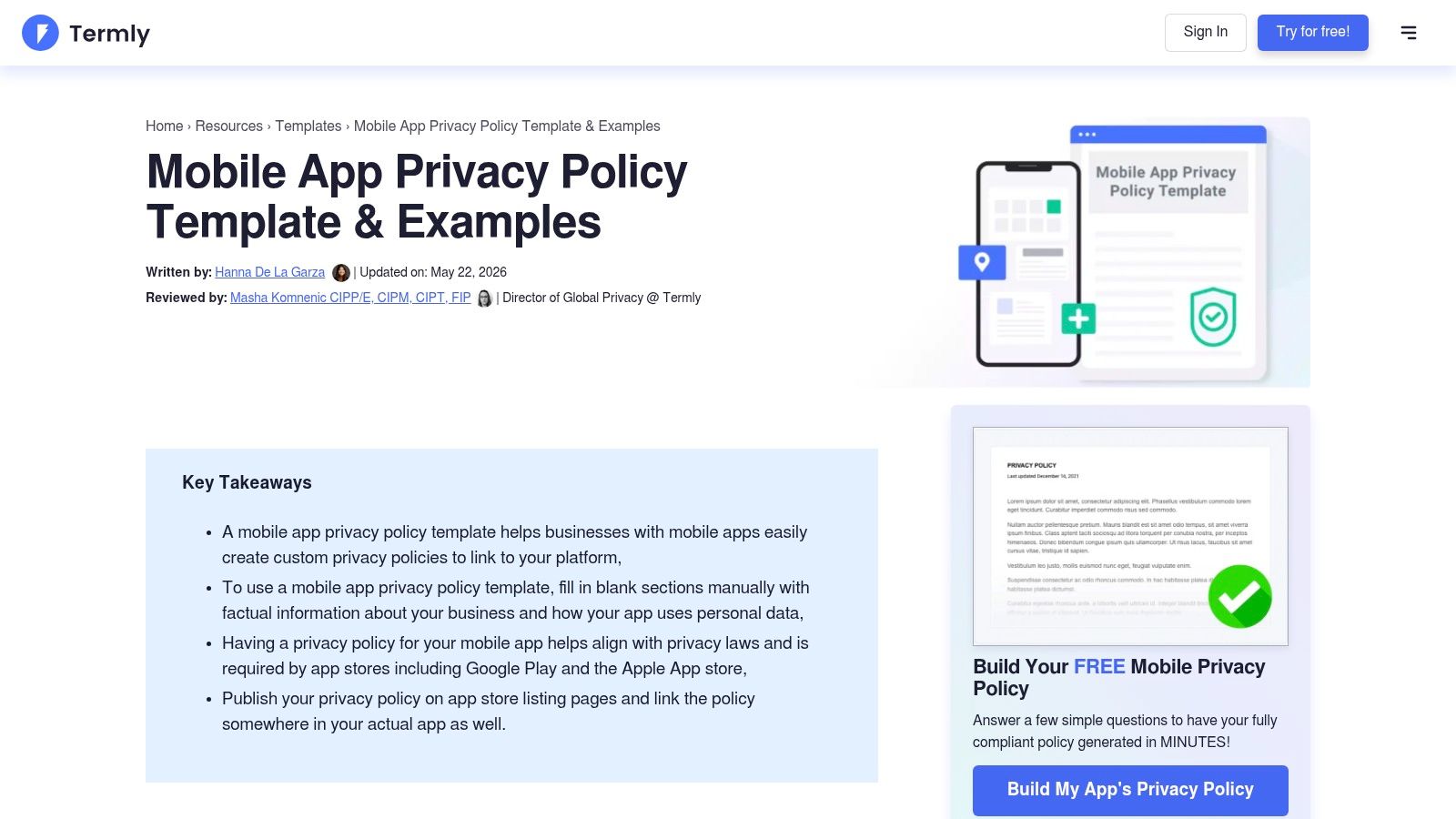
If your immediate requirement is an actual document, Termly's mobile-app template is a direct starting point. It offers PDF, Word, and Google Doc formats, alongside a separate generator based on business details.
The editable formats matter more than they first appear. Working in Word or Google Docs lets a developer annotate uncertain clauses and a reviewer resolve them before you export the final PDF. Editing a finished PDF is usually a less comfortable drafting workflow.
<a id="customize-before-exporting"></a>
Customize before exporting
Don't replace only the app name and company details. Rewrite the collection, purpose, recipients, retention, and deletion sections to describe the app you're submitting.
- PDF capability: A PDF template is explicitly available, with editable alternatives.
- Public URL: Plan to publish the finished document separately unless you select a service that includes hosting.
- SDK alignment: The template needs manual reconciliation against analytics, advertising, authentication, and diagnostics integrations.
For Android publishing, keep the document work connected to the Play Store app privacy-policy requirements. A polished PDF on your laptop won't fill the public URL field or make the Data Safety answers accurate.
The strength is document control. You can inspect and edit the template without committing to an ongoing platform. The cost is manual maintenance: when an SDK changes, someone must update the source document, regenerate the PDF, and replace the published copy.
If you use Termly's generator instead, review current plan features before choosing it. Don't assume every template feature also applies to every generator plan.
<a id="5-websitepolicies"></a>
5. WebsitePolicies
A policy may be your immediate task, but user requests and consent management can become separate operational tasks. WebsitePolicies combines legal-policy generation with related privacy tools and offers a mobile-app privacy-policy sample PDF.
The sample is useful for inspecting the structure before drafting. Its broader offering includes consent and data-request tools, multiple languages, and automatic updates. Those capabilities may matter as your business grows, but they shouldn't distract you from validating the initial policy.
- PDF capability: An app-specific sample PDF provides a document starting point, not a completed policy.
- Public URL: Verify the publishing and hosting features included with your chosen offering.
- SDK alignment: Replace sample disclosures with the actual services, data categories, and purposes in your app.
Readability deserves its own review. A study of youth-oriented app policies reported an average length of 2,425 words and an average reading grade level of 12.78, according to the Electronic Markets article. Don't preserve dense sample language merely because it looks formal.
Use a concise opening summary, meaningful headings, and specific descriptions of user choices. Keep the full disclosures underneath rather than deleting necessary detail to shorten the file.
Best fit: A business considering policy generation alongside operational privacy tools. Main limitation: A sample PDF still needs substantial customization, and broader features may be unnecessary if your only need is a basic document. Free policy creation is advertised, but review paid features before committing.
<a id="6-privacypoliciescom"></a>
6. PrivacyPolicies.com
Start with the mobile-app option, not a website questionnaire adapted after the fact. PrivacyPolicies.com explicitly supports app policies and guides you through business and platform details.
It also offers related documents, including EULAs and terms. That can be convenient when you're assembling launch materials, but keep their purposes separate: a license agreement doesn't explain your data practices for you.
<a id="test-the-questionnaire-against-your-inventory"></a>
Test the questionnaire against your inventory
Before answering, prepare a short record of each integration's data categories, collection triggers, purposes, recipients, and retention settings. If the questionnaire doesn't ask about a material practice, add it during the editing stage rather than assuming it isn't relevant.
- PDF capability: Confirm the current download formats before relying on native PDF export.
- Public URL: Establish where the generated policy will be published and who controls updates.
- SDK alignment: Check the draft against analytics, advertising, login providers, crash reporting, and backend collection.
A free generation option is advertised. Review any paid clauses or premium features before finishing, particularly if the app has practices that need more specific treatment.
The advantage is guided drafting without a large compliance workflow. The limitation is that platform and business questions can't determine your SDK configuration. For example, an authentication provider's general privacy documentation won't tell you whether your implementation also sends profile fields to your own server.
I'd use this as an organized first draft, then edit from the technical inventory. I wouldn't use its completion screen as the release sign-off.
<a id="7-termsbox"></a>
7. TermsBox
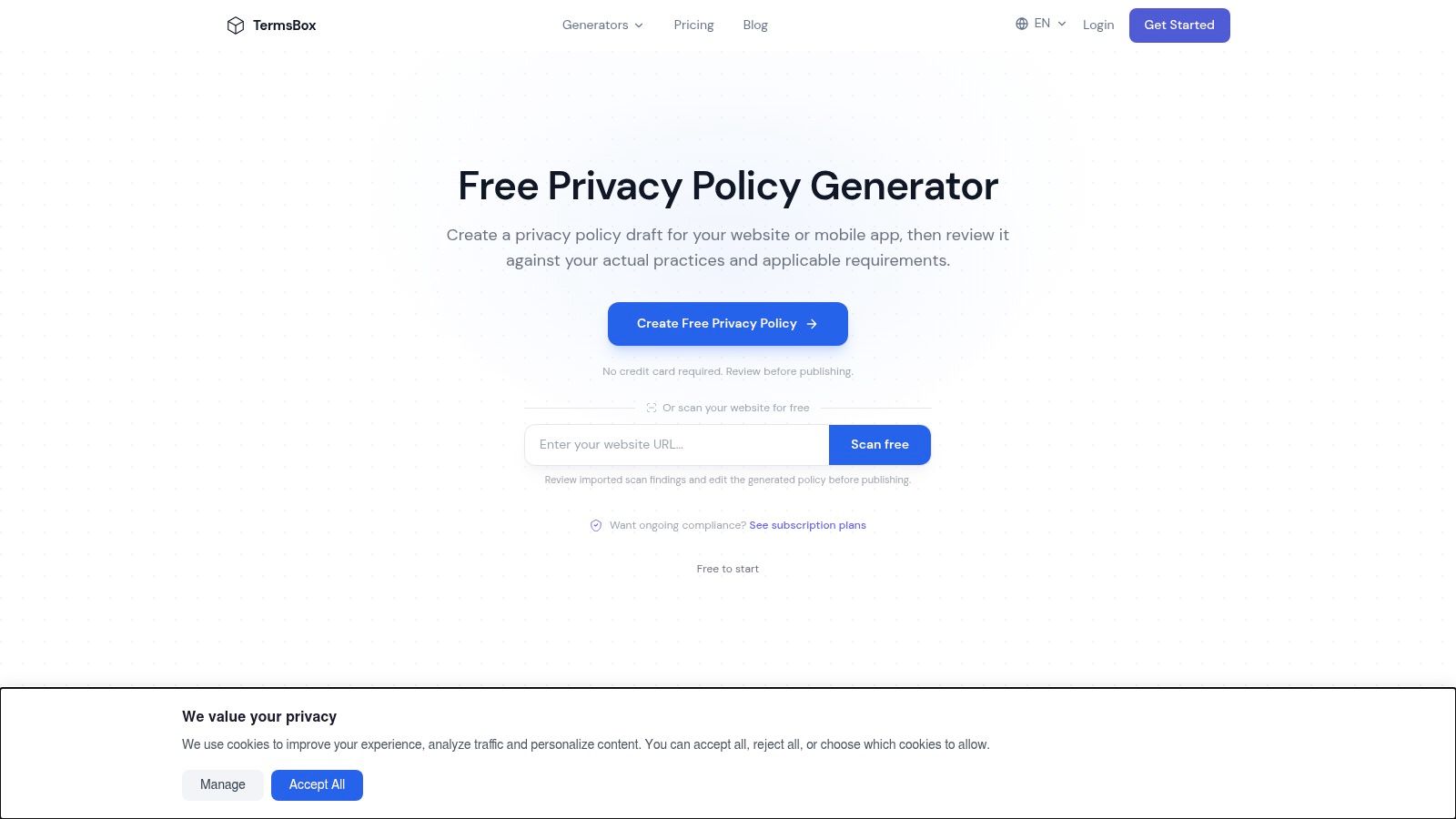
TermsBox explicitly lists PDF export, alongside HTML, Markdown, and plain text. That makes it a direct candidate when you want both a local file and a format you can publish or maintain elsewhere.
The questionnaire covers mobile apps and websites. Its format flexibility is particularly useful if your developer wants Markdown in the repository while the public policy page uses HTML.
The practical benefit isn't merely having several download buttons. You can maintain an editable source, publish a readable web page, and provide a PDF copy without manually retyping the policy.
Version-control advice: Generate every published format from the same approved text. Don't let the PDF become a separate document that nobody remembers to update.
Hosting remains a separate check. Confirm whether your selected plan includes a public policy address and what its current limits are. Exporting HTML gives you publishable content, not necessarily a deployed page.
For SDK alignment, inspect the questionnaire's coverage before accepting the result. Say your crash reporter attaches account identifiers to diagnostic events: the policy needs to reflect that configuration, not only a broad statement about collecting technical information.
Best fit: A developer who values portable document formats and wants control over publishing. Main limitation: Export flexibility doesn't validate the policy's content, and you still need a clear hosting and update process. Test the final PDF on a phone as well as a desktop.
<a id="8-freeprivacypolicy"></a>
8. FreePrivacyPolicy
FreePrivacyPolicy is worth considering as a basic drafting starting point, particularly if you want to compare how generators describe your app. Check its current app-specific questions and output options directly before making it your publishing workflow.
A comparison draft can expose gaps. If another generator asks about push notification tokens while your first draft never mentions them, return to your implementation and determine what happens. Don't combine every clause from both documents just to make the result longer.
<a id="what-to-verify-before-committing"></a>
What to verify before committing
- PDF capability: Confirm whether current export options include PDF or require conversion.
- Public URL: Verify hosting availability and how you'll edit the published document.
- SDK alignment: Identify app-specific practices that broad questionnaire answers don't capture.
Review the current free and premium options as well. The product's name shouldn't replace a check of what your selected workflow includes.
A generated document also doesn't solve contextual disclosure. A mobile-app study published through ACM found that 77.10% of observed user-data collection behaviors had no runtime privacy notice. Where users need an explanation at the collection point, add one in the app rather than expecting them to find a paragraph in a downloaded file.
The trade-off is drafting speed versus specificity. This can help you begin, but vague answers about analytics or sharing still require real editorial and technical work before submission.
<a id="9-eforms"></a>
9. eForms
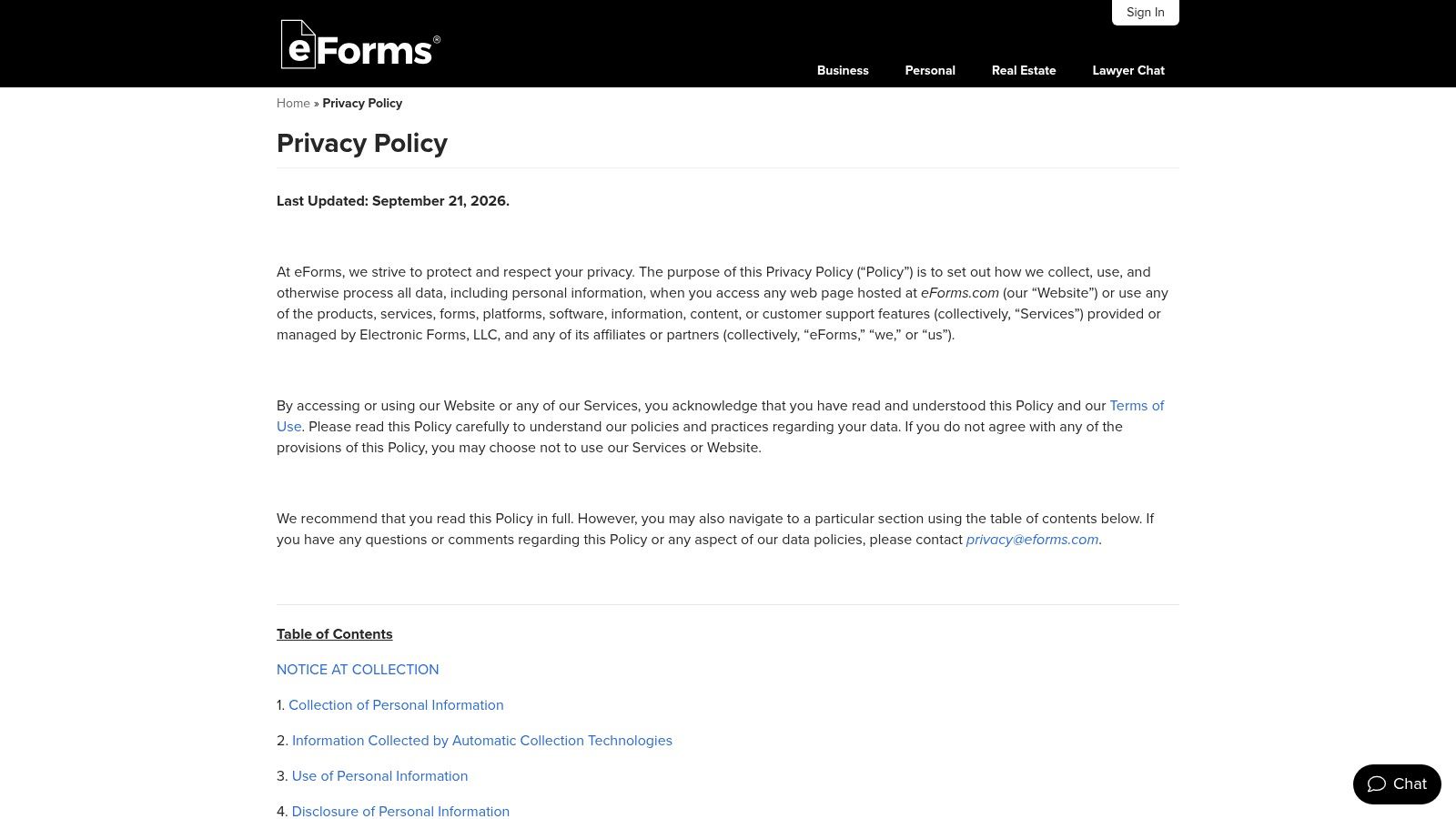
Sometimes you need a document to mark up, not a guided questionnaire. eForms provides a downloadable mobile-app privacy-policy PDF template with fill-in sections for app and company details and example disclosures.
That makes it useful for a publisher who already understands the app's data inventory. You can inspect the sections immediately and decide what needs rewriting without first completing a generator.
The danger is mistaking filled fields for completed analysis. Company name, contact address, and effective date are straightforward; collection purposes, third-party recipients, and deletion behavior require actual decisions.
- PDF capability: Direct PDF access is the central advantage.
- Public URL: Publish the completed policy separately at a stable, publicly accessible address.
- SDK alignment: Expect substantial customization rather than automatic integration-specific drafting.
Remove statements that don't apply. If your app doesn't collect payment details directly, don't leave a payment-information clause merely because purchases exist somewhere in the user journey. Describe the actual payment flow and what information your systems receive.
The limitation is maintenance and fit. A static template may be outdated or poorly matched to your app, and it won't flag a newly added advertising SDK. Keep an editable master rather than repeatedly patching the exported file.
I'd choose eForms when a technically informed publisher wants a visible document skeleton. For an app with unfamiliar SDK behavior, resolve that uncertainty before filling in the template.
<a id="10-nc-department-of-information-technology-mobile-application-privacy-policy-template"></a>
10. NC Department of Information Technology Mobile-Application Privacy-Policy Template
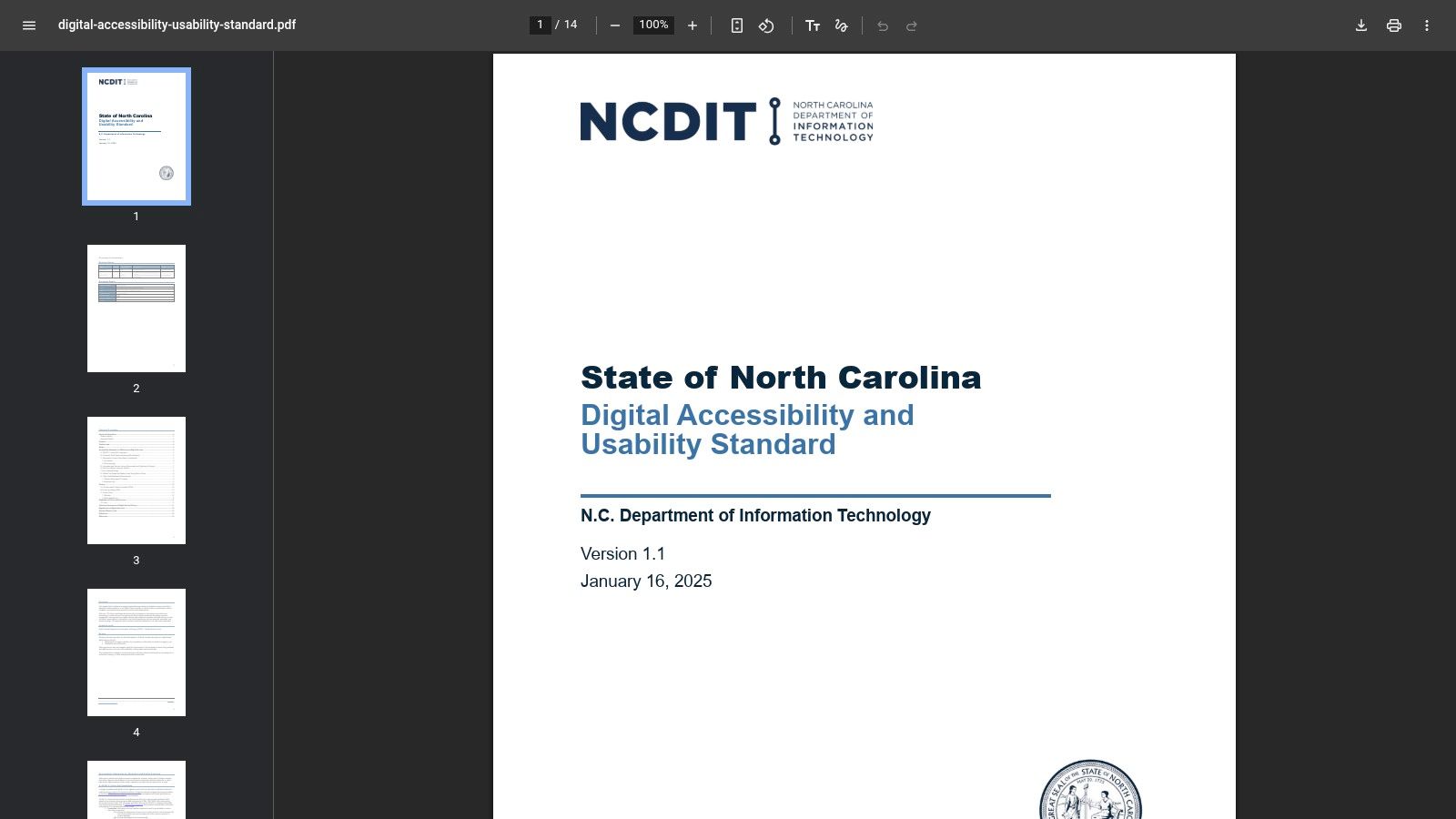
Treat this as a public-sector drafting reference that needs real adaptation before it fits a commercial app. It gives you a government-style skeleton for describing the application, the information it collects, and the purposes that data serves.
The value is in the questions that skeleton forces you to answer. Who operates the app? What data reaches your systems? Why do you need it? Those prompts stay useful even when the agency-level phrasing doesn't match how a private company works.
<a id="adapt-the-structure-not-the-agency-promises"></a>
Adapt the structure, not the agency promises
- PDF capability: You may need to convert or reformat the material into your finished PDF.
- Public URL: Publishing is your task. Nothing here hosts the policy for you.
- SDK alignment: Add the commercial integrations and app-specific data flows a government reference doesn't cover.
One warning matters more than the rest: don't copy statements about government operations into a private app's policy. Replace agency contacts, institutional processes, and any assumption that doesn't apply with your own actual practices.
For an Apple release, the iOS app privacy-policy guide connects that drafting work with the store-facing requirements. A public-sector structure won't cover your login provider, analytics configuration, or advertising relationships on its own.
The payoff is a free reference with explicit prompts. The trade-off is contextual mismatch, so expect substantial rewriting. I'd use it as a second-pass check for omissions in a policy you've already drafted, and never as a file to rename and upload unchanged.
<a id="how-each-policy-pdf-option-handles-export-hosting-and-best-fit-use"></a>
How each policy PDF option handles export, hosting, and best-fit use
| Item | PDF output | Hosted link | Best for |
|---|---|---|---|
| App Store Submission Service | Not specified | Privacy policy prepared and hosted | React Native and Expo teams preparing store disclosures |
| iubenda | Not ideal for a PDF-first workflow | Hosted and embeddable policies | Teams needing a maintained, customizable policy |
| TermsFeed | Download available; format should be checked | Free public hosting link | Developers wanting a generated policy and public link |
| Termly | PDF, Word, and Google Doc template formats | Publish separately for a public URL | Users wanting an app-specific template in editable formats |
| WebsitePolicies | Mobile-app sample PDF | Hosting not specified | Businesses wanting a policy template plus broader privacy tools |
| PrivacyPolicies.com | Confirm current PDF download options | Hosting not specified | Independent app publishers generating several legal documents |
| TermsBox | PDF export explicitly listed | Check whether hosting is included | Users wanting a policy in PDF and other file formats |
| FreePrivacyPolicy | Confirm current PDF export options | Confirm current hosting options | Solo developers seeking a basic draft to compare or customize |
| eForms | Directly downloadable PDF template | Publish separately for store use | Users wanting an immediate, editable PDF starting point |
| NC Department of Information Technology mobile-application privacy-policy template | May need conversion or formatting as a PDF | No hosted policy link specified | Public-sector drafting reference or disclosure checklist |
<a id="turning-a-policy-pdf-into-a-store-ready-disclosure"></a>
Turning a Policy PDF Into a Store-Ready Disclosure
Pick a starting document, then check every material statement against the app. Review each SDK, analytics event, crash reporter, login method, backend service, and permission-dependent feature. Record what leaves the device, who receives it, why it's needed, whether it links to an account, and how deletion works.
Don't infer collection solely from your interface. An app without registration can still transmit diagnostic or device information, while a permission request doesn't necessarily mean the information is uploaded. Inspect configuration, vendor documentation, and representative network activity together.
<a id="reconcile-the-document-and-the-store-answers"></a>
Reconcile the document and the store answers
Use a shared data inventory to keep the different disclosures consistent:
- Policy text: Explain collection, purposes, recipients, retention, user controls, and contact routes in plain language.
- Apple labels: Map the same practices to Apple's categories, including linkage and tracking where applicable.
- Google Play Data Safety: Apply Google's definitions to the app and its integrated services.
- Published versions: Keep the hosted page, downloadable PDF, and in-app policy access synchronized.
Google requires a privacy-policy link even for apps that don't collect personal information, and its Data Safety guidance makes developers responsible for accurate, current disclosures covering SDK practices. Use a readable public HTML page as the store-facing destination, with the PDF available as a companion download rather than the sole policy interface.
Consistency means factual agreement, not identical wording. If the PDF says you never share data, investigate whether an analytics or advertising integration contradicts that promise. Don't change a store answer merely to preserve a sentence you copied from a template.
<a id="publish-something-users-can-actually-read"></a>
Publish something users can actually read
Export the approved PDF, publish the matching policy at a stable public URL, and use that address in both consoles when it accurately covers both platforms. Test it without signing in, open it on a phone, and verify the in-app link.
Accessibility matters alongside legal completeness. A paper on contextual mobile privacy policies describes the limitations of relying on lengthy documents alone. Use meaningful headings, selectable text, a screen-reader-friendly structure, and contextual explanations where collection occurs.
For AI features, inspect what users submit and where those submissions go. Privacy terms for AI conversations provide a concrete document to examine, not language to copy into an unrelated app.
Assign an owner to future changes. Your policy documents and store answers remain yours to maintain, and your developer accounts and listings should remain in your own name.
LetsDeployIt prepares and hosts privacy policies, completes Apple privacy labels and Google Play Data Safety answers, and supports React Native and Expo submissions with human review. Visit LetsDeployIt to connect your policy documentation with the store-submission work, and bring your SDK list and data-flow details so the disclosures can reflect the app you're releasing.