10 Keyword Research Tools for ASO in 2026
Compare 10 keyword research tools for ASO by features, pricing, limits, and best uses, with workflow examples to pick the right fit for your app launch.

The submission deadline is two weeks out. The build is stable, the screenshots are half-finished, and the listing copy is still the placeholder your designer typed in March. Someone asks where the keywords came from, and the honest answer is a competitor's title, a hunch, and a list a teammate built in a spreadsheet at midnight.
That order is backwards. Keywords should exist before the listing copy is drafted, because every character in the title, subtitle, short description and Apple's keyword field is a placement decision. Research done after the copy is written becomes editing, and editing under deadline pressure becomes stuffing.
This guide compares ten keyword research tools for ASO and judges each one by where it fits a real submission workflow: seeding terms before you draft copy, checking coverage across the markets you ship to, and monitoring rankings after launch. Plan caps, per-store keyword quotas and estimated volume scores are treated as decision factors here, not footnotes. Each entry gets a verdict on the stage it handles best.
If your harder problem is choosing the terms themselves rather than picking software, keyword selection beyond SEO tools covers the judgment side.
Table of Contents
- 1. AppTweak
- 2. MobileAction
- 3. App Radar by SplitMetrics
- 4. AppFollow
- 5. Appfigures
- 6. ASOMobile
- 7. Asodesk
- 8. Sensor Tower
- 9. Astro
- 10. Keyword Tool (App Store Keyword Tool)
- How the 10 keyword research tools compare on free options, store coverage, best use, and main limitation
- Matching Your Keyword Stack to Your Launch and Your Budget
<a id="1-apptweak"></a>
1. AppTweak
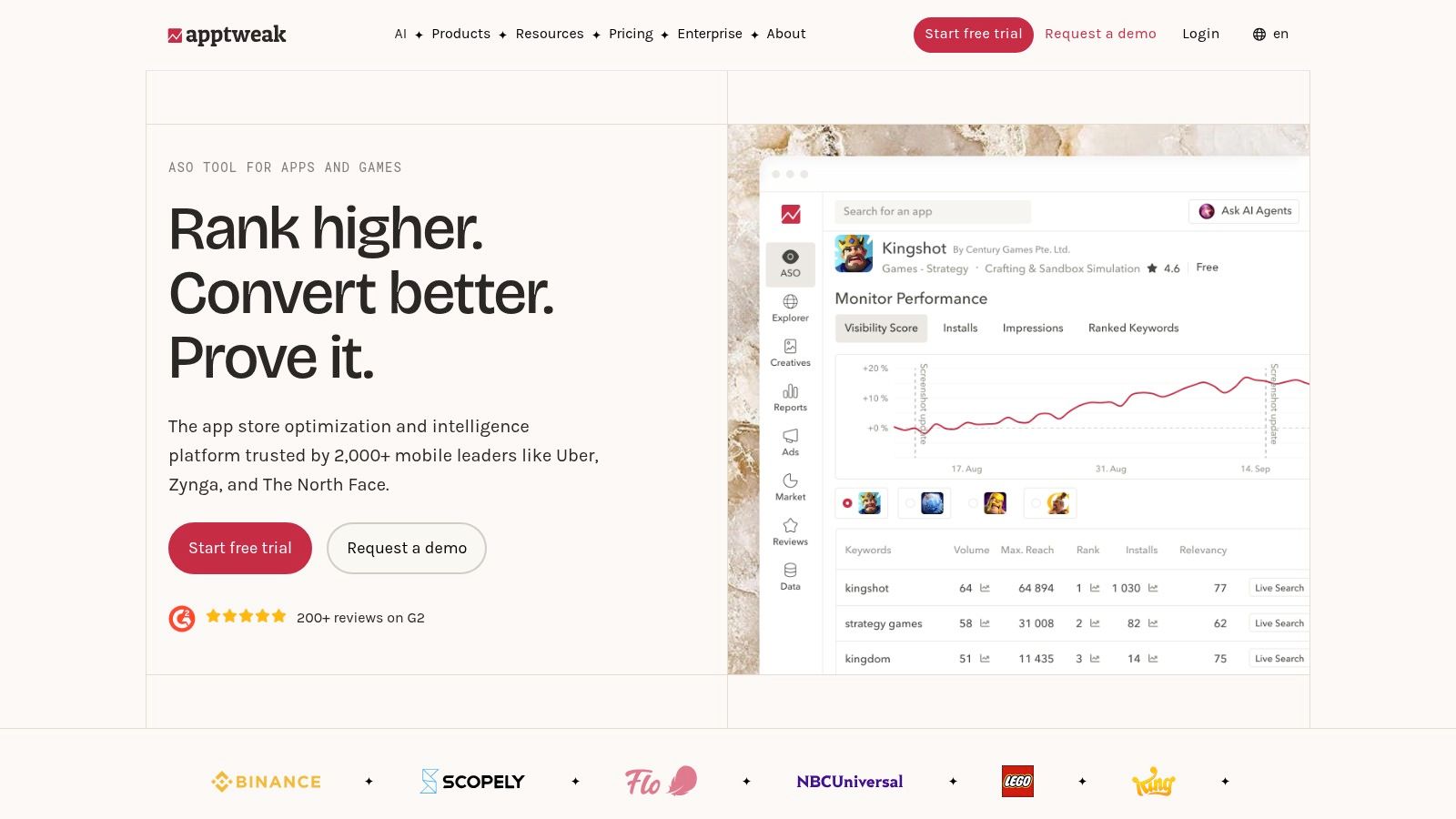
AppTweak is what I'd hand a team shipping in four languages that wants one place to look. Keyword suggestions sit next to ranking history and competitor visibility, so the research you do before drafting copy is the same data you check three weeks after release. That continuity saves the awkward handoff between a keyword spreadsheet and a rank tracker.
<a id="where-it-fits-the-workflow"></a>
Where it fits the workflow
Apple has treated the keyword field as a fixed budget since July 2009, when it opened a dedicated field in iTunes Connect and capped it at 100 characters, as Apple's original developer announcement describes. AppTweak's suggestion lists are long, which is both the point and the problem. You still have to cut ninety candidate terms down to something that fits, without duplicates and without filler words.
- Seeding stage: strong. Several suggestion angles from one seed phrase make early brainstorming fast.
- Coverage stage: strong. Multi-country tracking is built in rather than bolted on.
- Monitoring stage: strong, with the usual caveat that any rank figure is a sample, not a census.
The trade-off: plans cap tracked apps and keywords, and the feature surface is more than a solo developer will ever touch. For a first launch, this App Store Connect keyword field guide covers the mechanics without a subscription. Details sit on AppTweak's ASO tools page.
<a id="2-mobileaction"></a>
2. MobileAction
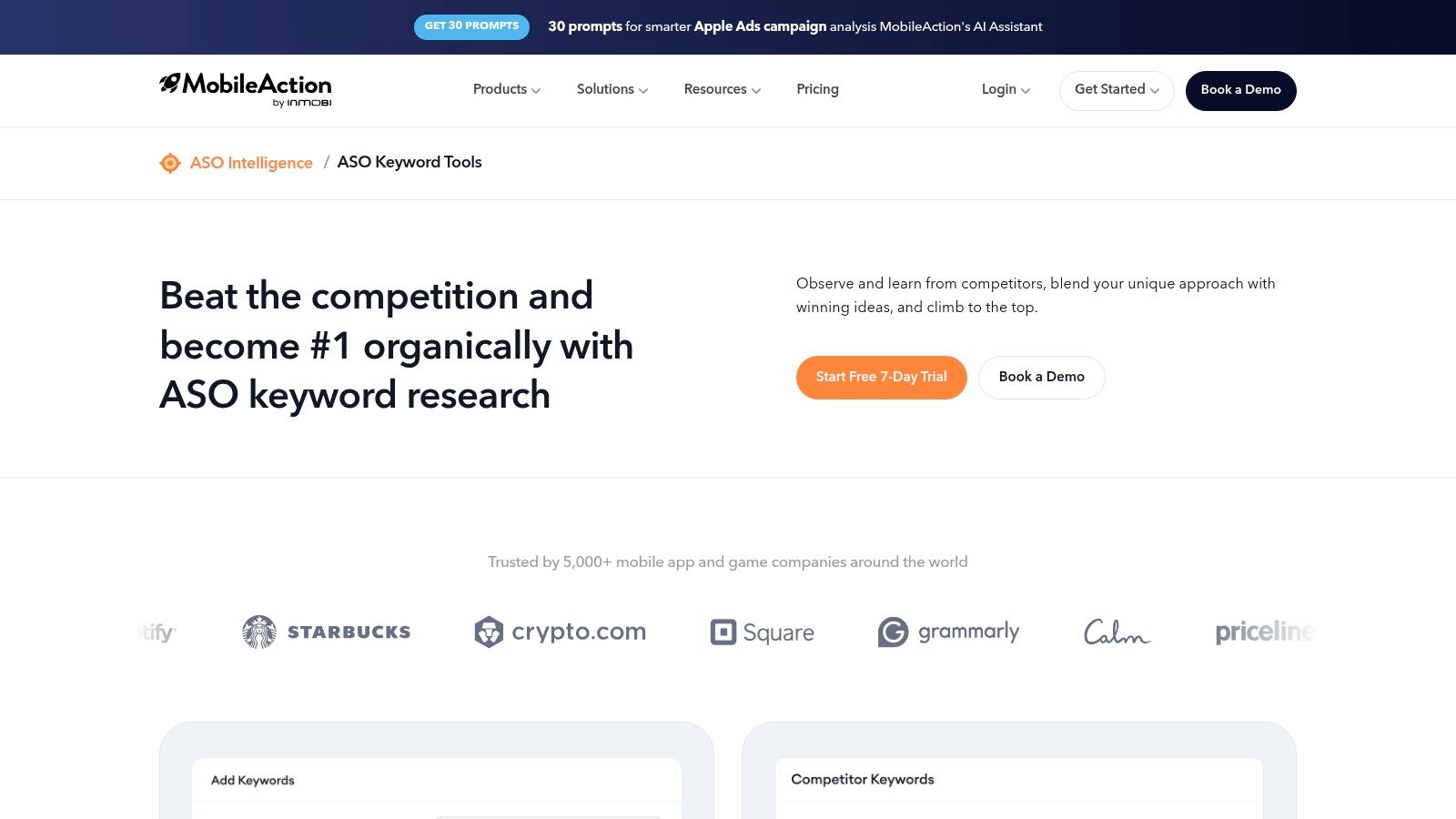
MobileAction's pitch is that organic visibility and paid acquisition shouldn't live in separate tabs. Keyword Inspector pulls research, rank tracking and competitor comparisons into one table, and Apple Ads intelligence sits beside it. The starting tier is cheaper than most full-service platforms, which makes it the usual first paid subscription for a small team.
Organic download share is the metric worth paying for. Apple states that ranking combines text relevance with customer behavior, including downloads, ratings and reviews, as its App Store discoverability documentation sets out. That reframes the whole exercise. Two terms with similar volume aren't equal if only one draws searchers who install.
Practical rule: if a tool can't show you anything that happens after the impression, treat its volume score as a shortlist filter, never as a decision.
Keyword translation and localization tools cover the multi-market stage, and organic download-share analysis covers post-launch. The catch is capacity. Keyword and competitor limits move a lot between plans, and the deeper competitive and trend views sit above the entry tier. Budget for one tier higher than the headline price suggests, then check whether the jump is worth it before your trial window closes on MobileAction's keyword tools page.
<a id="3-app-radar-by-splitmetrics"></a>
3. App Radar by SplitMetrics
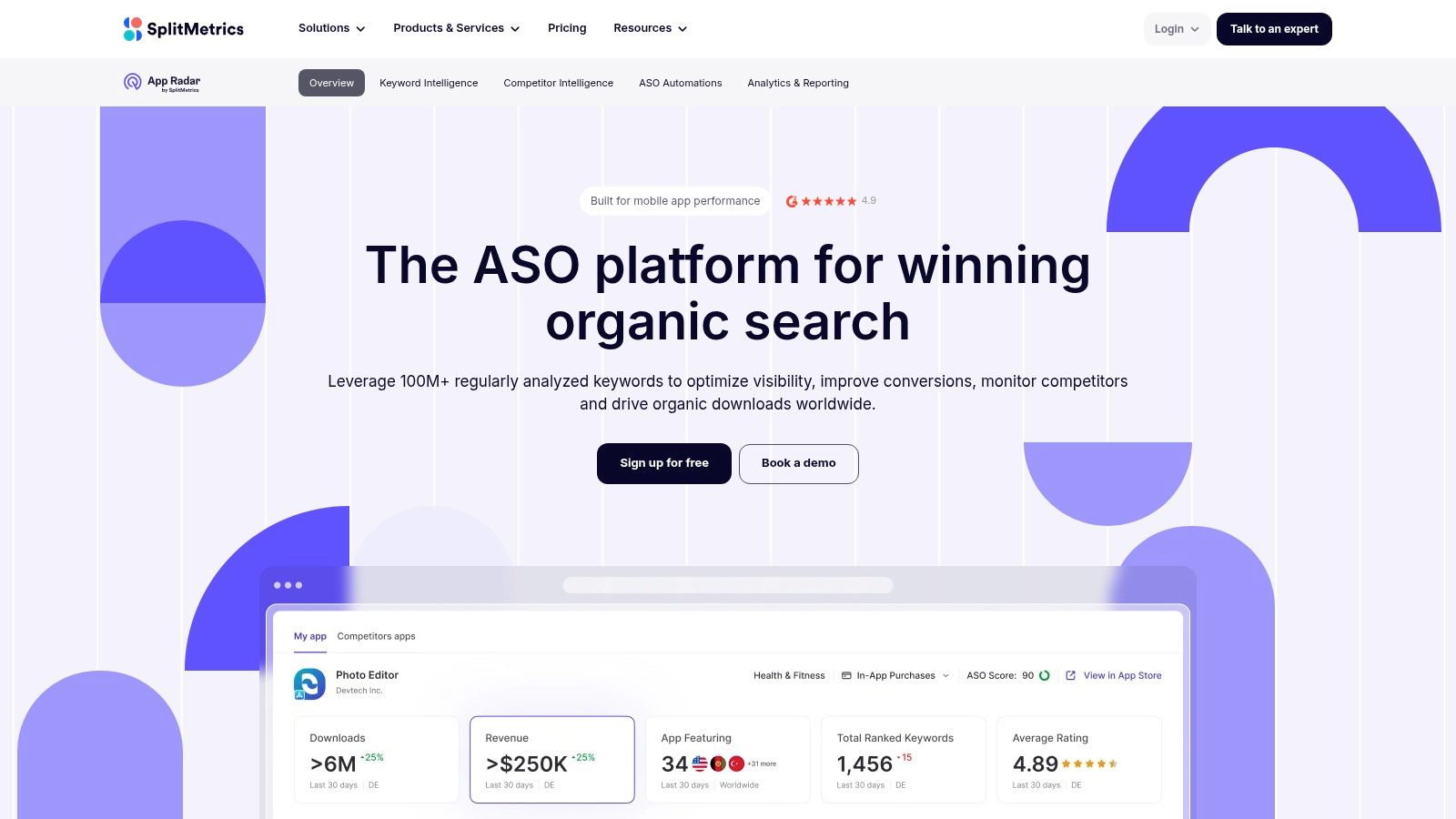
Keyword discovery that talks to a listing editor is the reason to open App Radar. You find a term, check who ranks for it, and push it into a draft listing without a spreadsheet in between. For a team that keeps losing track of which keyword went into which locale, that continuity beats a marginally better volume score.
<a id="the-localization-trap-it-helps-with"></a>
The localization trap it helps with
Translating an English keyword list into six languages produces six lists that look correct and search wrong. Apple recommends choosing terms based on what users in each market search for, which is a different job from translation, as its App Store search guidance explains. App Radar's database spans many countries, so you can test a local phrase against local results before spending characters on it. The AI suggestions and relevance scoring help, though a native speaker still beats a score.
- Discovery and tracking together: live search and rank trends sit beside the suggestion list.
- Listing editor: draft and publish metadata without exporting a CSV.
- Published pricing: you can size the plan before anyone gets on a call.
Where it pinches: the entry plan caps apps, keywords and competitors, so a two-market launch usually needs the next tier. There's a 7-day trial, which is one research sprint and not a month of monitoring. Plans and limits are listed on App Radar's SplitMetrics page.
<a id="4-appfollow"></a>
4. AppFollow
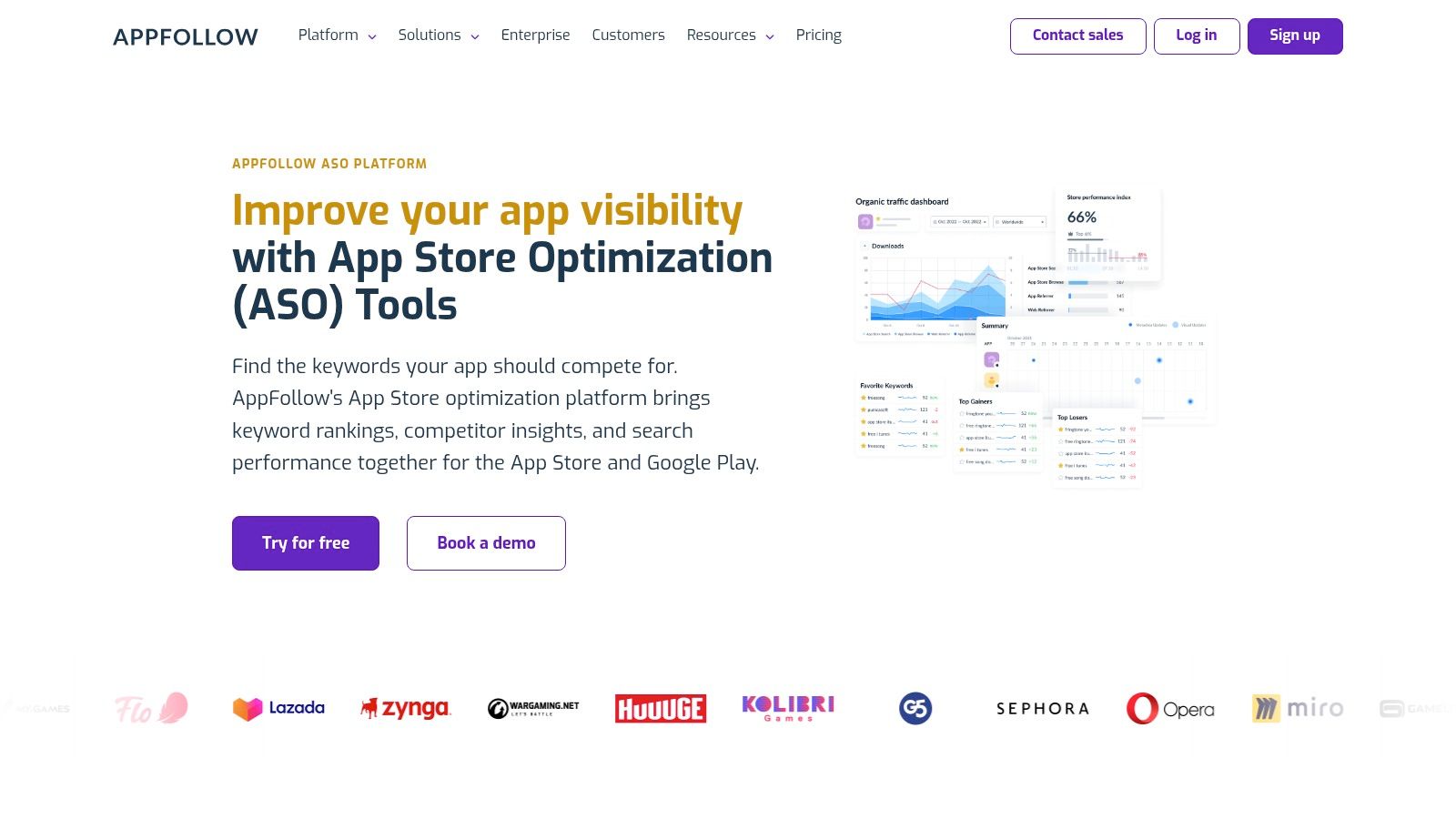
AppFollow suits teams that manage keyword research and review replies together. It combines keyword tracking, competitor gap analysis, store-suggestion research, and country-specific lists with reputation management. A review that mentions a missing feature can point to a term worth testing before the listing copy is finalized.
Check how the keyword limits work before choosing a plan. Counts apply separately by store and country, so capacity shrinks quickly across markets. Ten terms tracked in five countries on two stores count as a hundred tracked keywords, not ten.
Dedicated ASO tools are common practice among app marketers. For pre-launch research, AppFollow can help seed a keyword list and check its coverage by country; after launch, tracking supports ongoing ranking checks. Search volume estimates and plan limits still shape how much confidence and coverage you can get.
The free plan is useful for exploring the interface. Plans include unlimited users, according to the vendor's plan guide, which can help when design, marketing, and development all need access. Full historical data and some reporting require add-ons or higher tiers, so price them in if trend evidence matters to your launch. See plan details on AppFollow's ASO page.
<a id="5-appfigures"></a>
5. Appfigures
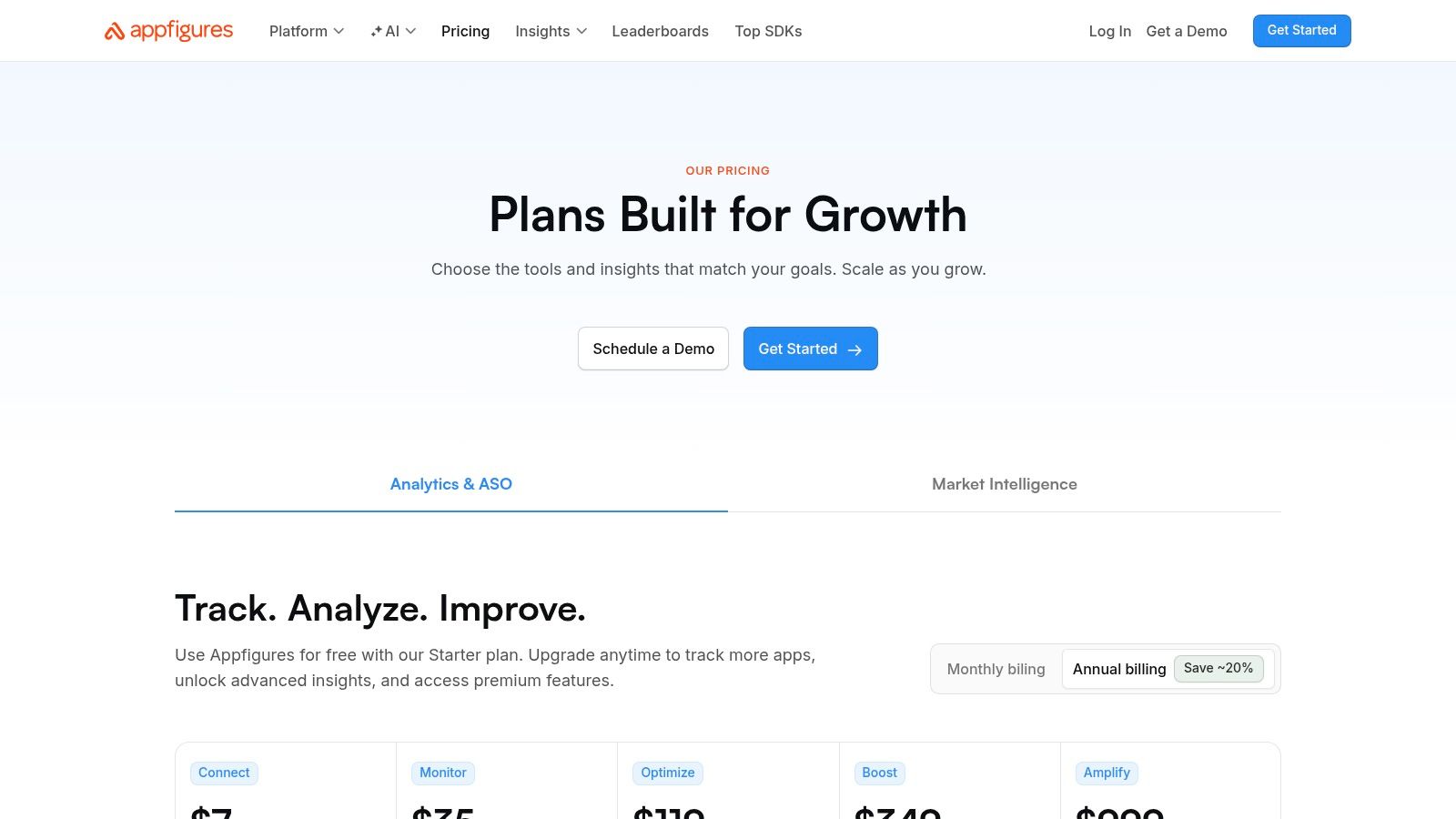
Appfigures is the accounting-minded option. Popularity and competitiveness scores come with rank alerts, exports, and the download and revenue data that tells you whether a keyword push moved installs. If your post-launch report has to answer what the work produced, this tool generates the answer instead of an argument about rankings.
Google Play is where teams misread their own data. Google states that Play search considers the app's overall experience, including user behavior and feedback, and that ranking incorporates ratings, reviews, downloads and other factors whose weights are proprietary, as Google Play's store listing guidance sets out. Google also recommends SEO best practice in the description while warning against keyword spamming. No tool can promise a Play ranking from metadata alone.
<a id="stage-by-stage"></a>
Stage by stage
- Seeding: good. Discovery and translation cover the pre-drafting work.
- Coverage: decent, with country-level tracking.
- Monitoring: strong, because rank alerts land in the same dashboard as revenue.
Where it's thin: the free Starter plan won't carry real research, and competitor depth scales with the subscription. Android-specific priorities are covered in this guide to ASO in Google Play. Pricing tiers are on Appfigures' pricing page.
<a id="6-asomobile"></a>
6. ASOMobile
Small teams buy ASOMobile for the breadth and then complain about the breadth. Keyword suggestions, difficulty and effectiveness scores, competitor research, metadata and localization analysis, category and ranking analytics, all in one subscription. That's a lot of ground for the price, and it's why a two-person studio can skip stacking tools.
The learning curve is the main cost. Half a dozen modules that all look like tables take about a week to internalize, and launch week is the worst possible time to spend on a dashboard. Seed your terms, export them, then learn the analytics after the app is live.
What I'd skip: don't chase effectiveness scores for terms your app doesn't actually deliver on. A strong score on a keyword your onboarding contradicts buys you installs that uninstall within a day.
A 3-day trial of paid features is enough to export a list and not enough to judge trend data, so use it as a sampling window. Keyword, app and competitor limits depend on the plan you pick. Feature detail and current plans are on ASOMobile's ASO tools page.
<a id="7-asodesk"></a>
7. Asodesk
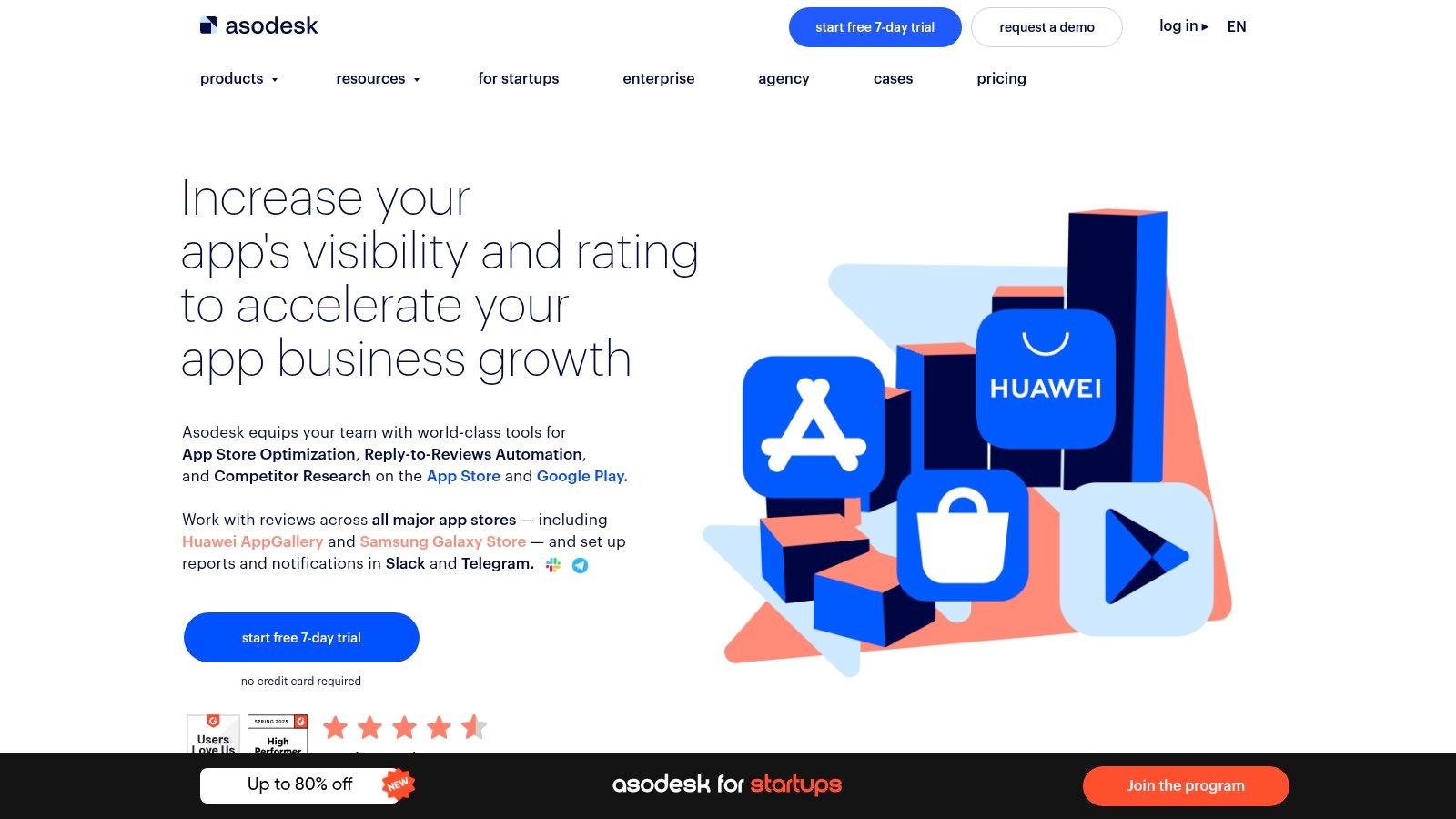
Autocomplete suggestions, live positions and a phrase mixer are what make Asodesk useful before copy gets drafted. The phrase mixer is the sleeper feature. It lets you test word combinations against character limits instead of guessing which two-word phrase beats the alternative.
The free plan sets a blunt ceiling: 200 keywords and one app, as the vendor's plan page lists. That covers a single-store launch and not a two-store one, which is fine if you're testing before you commit. Advanced analytics and greater capacity need a paid plan.
<a id="a-seeding-sequence-that-works"></a>
A seeding sequence that works
- Pull autocomplete suggestions from three seed phrases.
- Check live positions for the strongest twenty to see who owns page one.
- Run competitor organic keyword reports for two direct rivals.
- Mix the survivors into phrases that fit the character budget, then write the subtitle.
Historical charts and keyword reports matter at the monitoring stage, when you're deciding whether a metadata change moved anything. Keyword exploration and tracking living in one product means you're not reconciling two date ranges. Start with Asodesk and upgrade when your keyword count, not your ambition, makes it necessary.
<a id="8-sensor-tower"></a>
8. Sensor Tower
Sensor Tower's ASO Keywords product suits a team that already buys market intelligence and wants keyword data inside the same subscription. Keyword research with effectiveness and difficulty indicators, competitor ASO strategy over time, localization of opportunities, and advertising intelligence underneath it all.
The fit question is honest, and I'd answer it bluntly. A single app launch rarely needs a market intelligence suite. A publisher comparing five titles, or an agency defending a strategy against a rival's download estimate, does. If your only jobs are filling a keyword field and checking rankings weekly, you'll pay for a great deal of unused dashboard.
Where it earns the spend
- Competitor strategy over time: history beats a snapshot when you're working out whether a rival's climb came from metadata or a paid push.
- Localization research: useful when choosing which markets deserve their own keyword set rather than a translated one.
- A second opinion: two independent estimates are worth having when tools disagree on the same term.
Where it doesn't: self-serve pricing isn't clearly published, so budget approval takes longer than the research itself. Open the sales conversation before you open the keyword list. Explore the product on Sensor Tower's growth and user acquisition page.
<a id="9-astro"></a>
9. Astro
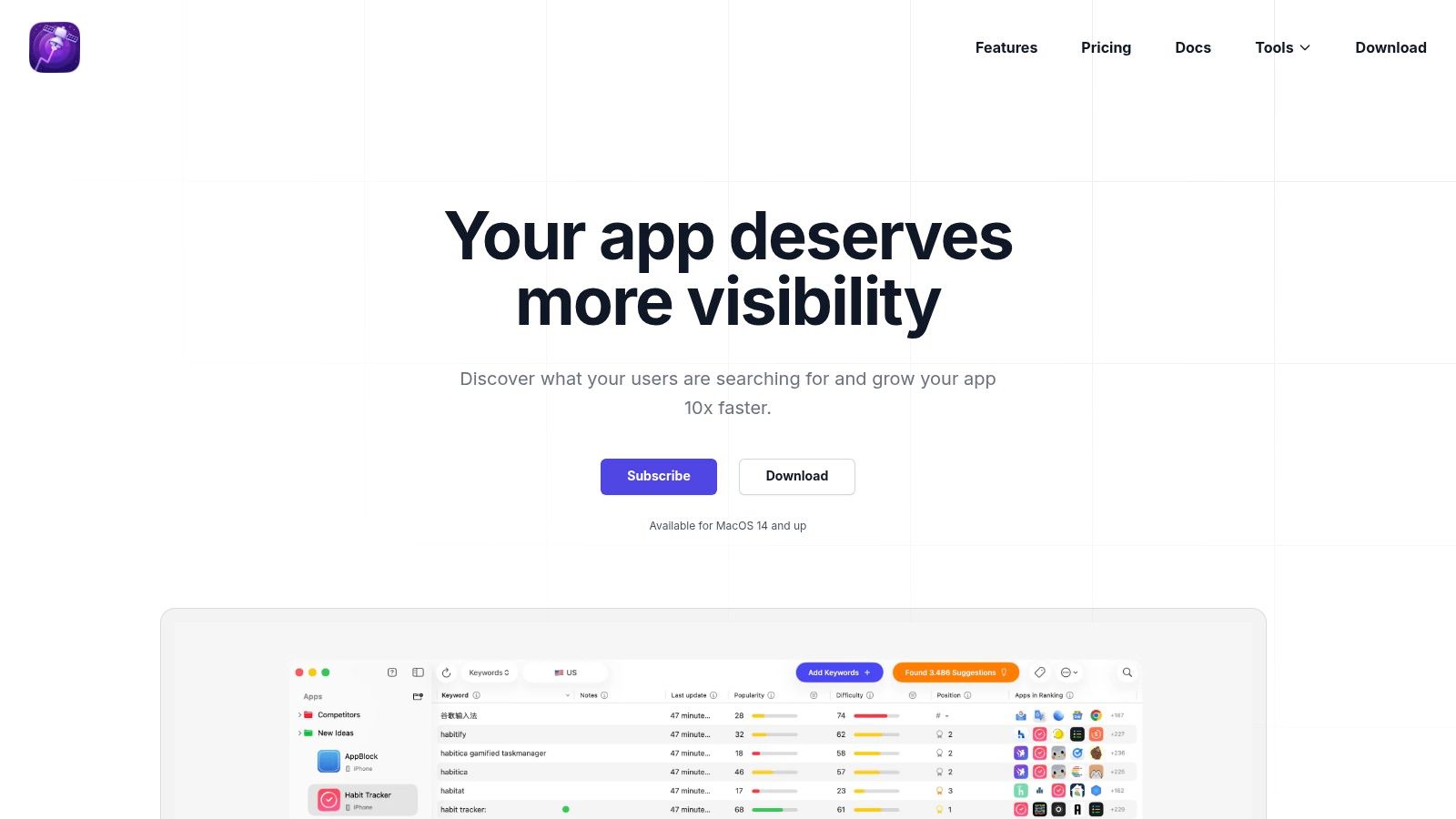
Astro is a Mac app, and it only covers the App Store. Buy it for that shape, or do not buy it.
Place it in the submission sequence. Before listing copy is drafted, use popularity and difficulty scores, suggestions drawn from apps' current and historical rankings, and competitor keyword extraction. Translations are how you check coverage across App Store markets, not across stores. After launch, rank charts plus unlimited keyword tracking on the listed plan are the monitor. You look up a term, see who ranks, and move on. No browser tab, and no seat negotiation.
A solo iOS developer gets a narrow tool that matches a narrow job. A Windows-only team cannot run it. If the same title also ships on Google Play, Astro cannot be the only keyword tool in the stack.
Every keyword score from a third-party source is an estimate by construction, and Astro's own terms say its data may not always be exact. That holds for every platform on this list. Treat difficulty as a prior, not a verdict.
Published pricing lets you decide without a demo call. The limits that matter are the estimate, the single store, and the Mac license. Details and plans are on Astro's site.
<a id="10-keyword-tool-app-store-keyword-tool"></a>
10. Keyword Tool (App Store Keyword Tool)
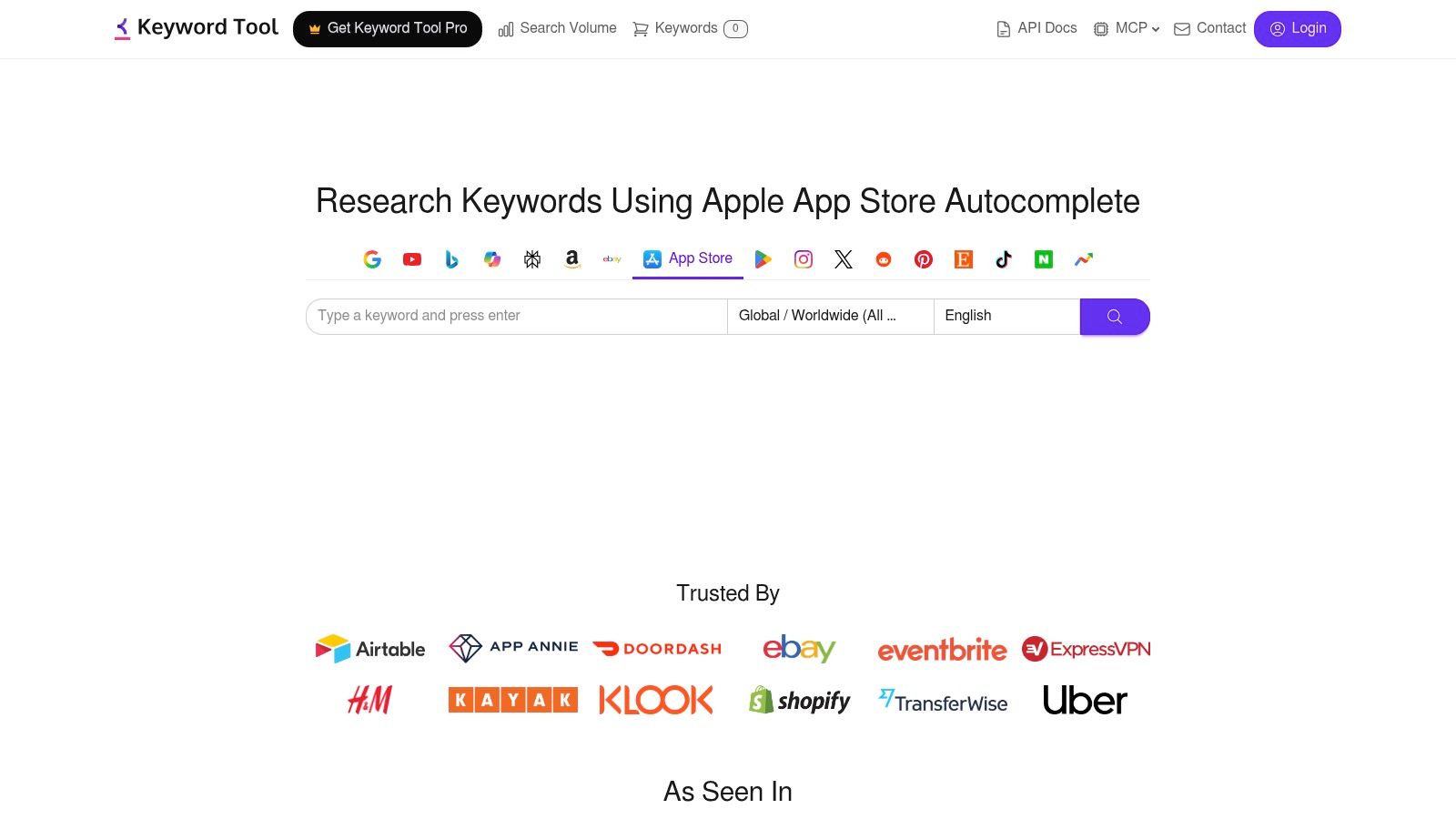
Autocomplete mining is the cheapest useful thing on this entire list. Keyword Tool pulls App Store autocomplete suggestions from a seed phrase, shows results without an account, and exports the list. Estimated volume data sits behind a paid plan.
Use it for what it is. A phrase appearing in autocomplete has real demand behind it; the number attached to that phrase is an estimate, not a figure from Apple. Seed ten phrases tied to your app's core job, export everything, then filter hard: relevance first, character cost second. A specific long-tail phrase that fits your subtitle beats a head term you'll never rank for.
- Best stage: seeding, before a single word of listing copy exists.
- Not built for: rank tracking, competitor monitoring, or judging conversion.
- Keep the export: date the raw list. Six months later it's your baseline.
The free tier makes it an easy first stop for a team that hasn't bought anything yet, and the exported list is useful for Apple Search Ads research as well. Compare results across stores with this walkthrough of App Store keyword analysis, then look at Keyword Tool's App Store keyword tool for current plan limits.
<a id="how-the-10-keyword-research-tools-compare-on-free-options-store-coverage-best-use-and-main-limitation"></a>
How the 10 keyword research tools compare on free options, store coverage, best use, and main limitation
Pick the tool for the job in the submission path, not for the longest feature list. One tool should turn seed phrases into a list before any listing copy is drafted. Another should show whether those terms hold up across markets. Rank checks start only after the build is live. Estimated volume, per-store keyword quotas, and plan caps decide the fit. A cheap seed list with no rank tracking is the right buy before submission. A suite that caps you at one app is the wrong buy once you are monitoring two stores.
| Item | Free option or trial | Store coverage | Best for | Main limitation |
|---|---|---|---|---|
| AppTweak | 7-day trial | Apple App Store and Google Play | Checking keyword coverage across markets, then monitoring after launch | More than a solo launch needs; plans cap tracked apps and keywords |
| MobileAction | Trial, then paid plans for deeper research | Cross-country research | Seeding keywords with competitor and Apple Ads context before copy is drafted | Limits change by plan; competitor and ads depth sits on higher tiers |
| App Radar by SplitMetrics | 7-day free trial | App Store and Google Play | Seeding and listing management on both stores in one workflow | Entry plan caps apps, keywords, and competitors |
| AppFollow | Free plan | iOS and Android | Market coverage plus review signals while you monitor rankings | Keyword quotas burn fast; some reports need add-ons or a higher tier |
| Appfigures | Free Starter plan and a trial of higher-tier features | Stores you already track for downloads and revenue | Post-launch keyword monitoring next to download and revenue data | Free plan is thin for keyword research; the useful set depends on the subscription |
| ASOMobile | Free plan and 3-day trial of paid features | Major app stores | Broad competitor and market checks for a small team | Takes time to learn; caps depend on the plan |
| Asodesk | Free plan | Single-app keyword work; store list is narrow on the free plan | Basic discovery and tracking before you commit budget | Free plan stops at 200 keywords and one app |
| Sensor Tower | No public free tier; pricing is sales-led | Multi-market research, scoped on the quote | Market, competitor, and localization checks across markets | No clear public price; the wider suite is excess for one launch |
| Astro | 14-day refund window | Apple App Store | Focused iOS seeding and research on a Mac | Mac license required; volumes are estimates and not always exact |
| Keyword Tool, App Store Keyword Tool | Free keyword lookup without an account | Apple App Store | Fast seeding and exports before listing copy exists | No real rank or competitor tracking; volume is paid and estimated |
Read the limitation column before the feature column. A 7-day trial is enough to seed ten phrases and see both stores. It is not enough to judge a tool you will use for weekly rank checks. Quotas (apps, keywords, competitors) determine the price. Volume figures stay estimates on every row that offers them.
<a id="matching-your-keyword-stack-to-your-launch-and-your-budget"></a>
Matching Your Keyword Stack to Your Launch and Your Budget
Buy in two stages. Stage one is seeding: one tool that turns a handful of seed phrases into a list you can cut down, used before you draft a title or subtitle. Stage two starts the day you publish, when rank monitoring and competitor tracking begin to matter and volume guesses stop being the interesting question.
The channel justifies the effort. A 2025 global survey of app-growth professionals across the US, UK, EMEA and APAC found that 56% used app-store optimization, ahead of Google Ads at 50%, according to Branch's 2025 app growth survey. This is a standard acquisition line, not a side project.
<a id="a-four-week-sequence"></a>
A four-week sequence
- Week one: run the same ten seed phrases through two free tiers and compare the lists.
- Week two: commit to one tool, export a prioritized list, and map terms to fields on both stores.
- Launch day: record baseline rankings and impressions before anyone touches the metadata again.
- Week four: cut any term that produced impressions but no installs.
That last step is the one often skipped. Estimated volume tells you how many people search. It doesn't tell you whether they install, keep the app, or leave a review. Judge keywords on what happens after the product page loads.
Budget discipline matters more than feature lists. Entry plans cap apps, keywords and competitors, and caps are counted per store and per country. A team shipping in four markets on two stores is running eight keyword sets before it tracks a single competitor, so read the plan table with that multiplication in front of you.
If drafting the listing copy and mapping keywords to fields is the bottleneck rather than the research, we handle that work as part of a launch. Our Launch plan covers store listing copy with ASO keywords, screenshots in every device size, app icon and splash assets, metadata and descriptions, privacy policy, and submission to both consoles at a flat fee of $999 for one store or $1,799 for both, with the Apple Developer and Play Console fees billed separately by the stores. Most launches are approved in 10 to 14 days.
If the keyword list is the part that keeps slipping, we build it for you: LetsDeployIt drafts the ASO keywords and matching store listing copy for the App Store and Google Play, checks them against each store's metadata limits, and submits the build, all as part of a flat-fee launch with unlimited resubmissions on your first production release. You can see what's included and start a brief at LetsDeployIt.